

Quick questions
What is a Golf Darts World Tour course?
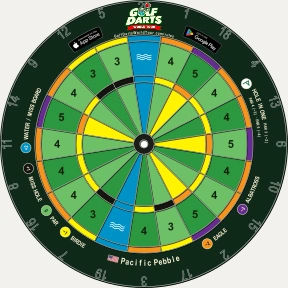
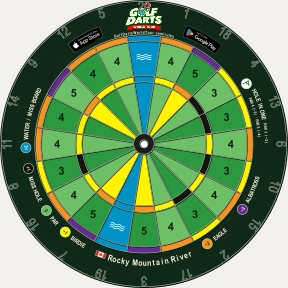
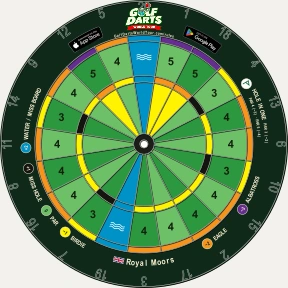
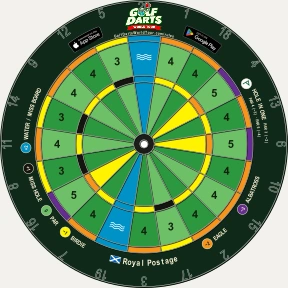
A course is simply an arrangement of eighteen Par-3, Par-4, and Par-5 “holes” on a standard or color-coded dartboard. Courses are used to play a version of golf darts called World Tour. They are inspired by iconic golf destinations around the world. Compare World Tour with other types of golf darts.
Can I use my standard dartboard to play?
Absolutely. Golf Darts World Tour courses can be played on a standard dartboard. Playing on a standard board is easier using a free downloadable scorecard with scoring diagrams. Choose a course below to get started!
Where can I get a color-coded Golf Darts dartboard?
Color-coded Golf Darts World Tour dartboards are coming soon. Choose a course below for more information and a free downloadable scorecard to start playing on a standard dartboard today.
A great place to start
Most popular courses

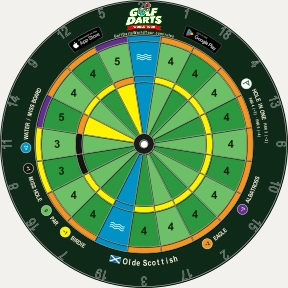
 Scotland
Olde Scottish
Inspired by St Andrews Old Course.
Four steady Par-4s lead to a Par-5 fifth. The eighth and eleventh ask for precision at Par-3.

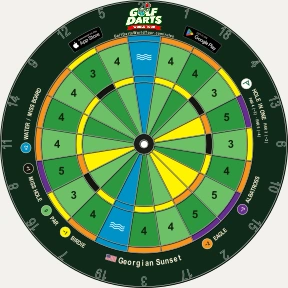
 United States
Georgian Sunset
Inspired by Augusta National.
Take on the Par-4, Par-3, Par-5 sequence at 11, 12 and 13, then a late Par-5 opportunity at 15.

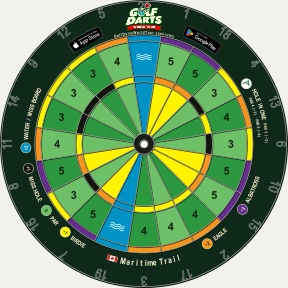
 Canada
Maritime Trail
Inspired by Cabot Cliffs.
Back-to-back Par-5s at seven and eight offer scoring chances. Six Par-3s keep your aim honest.
Find your next favourite
More courses, A–Z

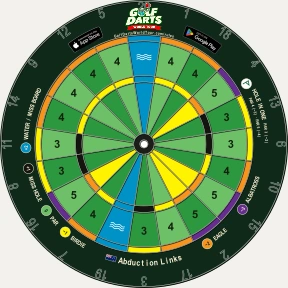
 New Zealand
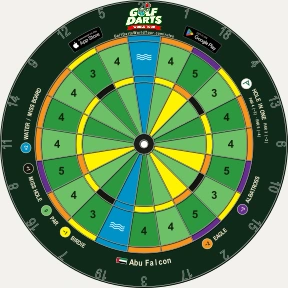
 United Arab Emirates
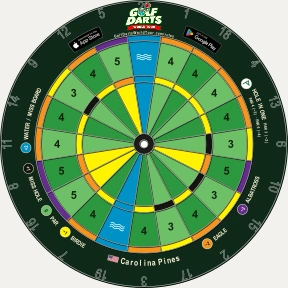

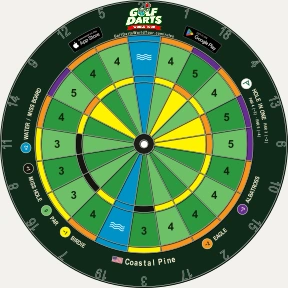

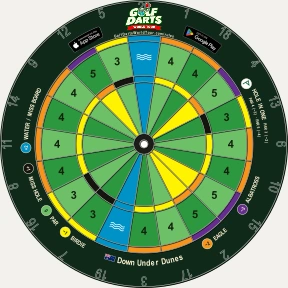
 Australia
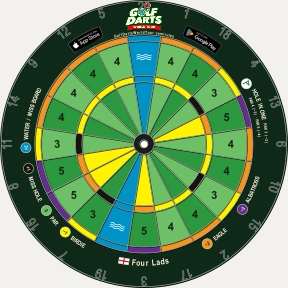
 England
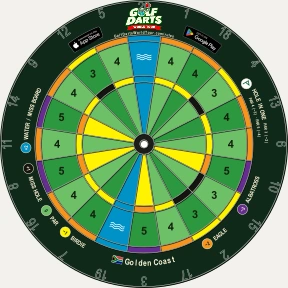
 South Africa
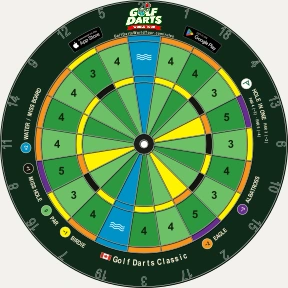

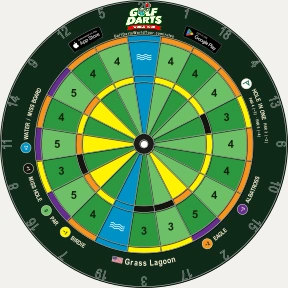



 United Kingdom (Northern Ireland)
For a standard dartboard
Blank course
A new course every time.
Make up a new round as you play on a standard dartboard. The player or team throwing first on the current hole chooses whether it will be a Par-3, Par-4 or Par-5.
Write the chosen par on the blank scorecard, then play the hole.
Free scorecard PDF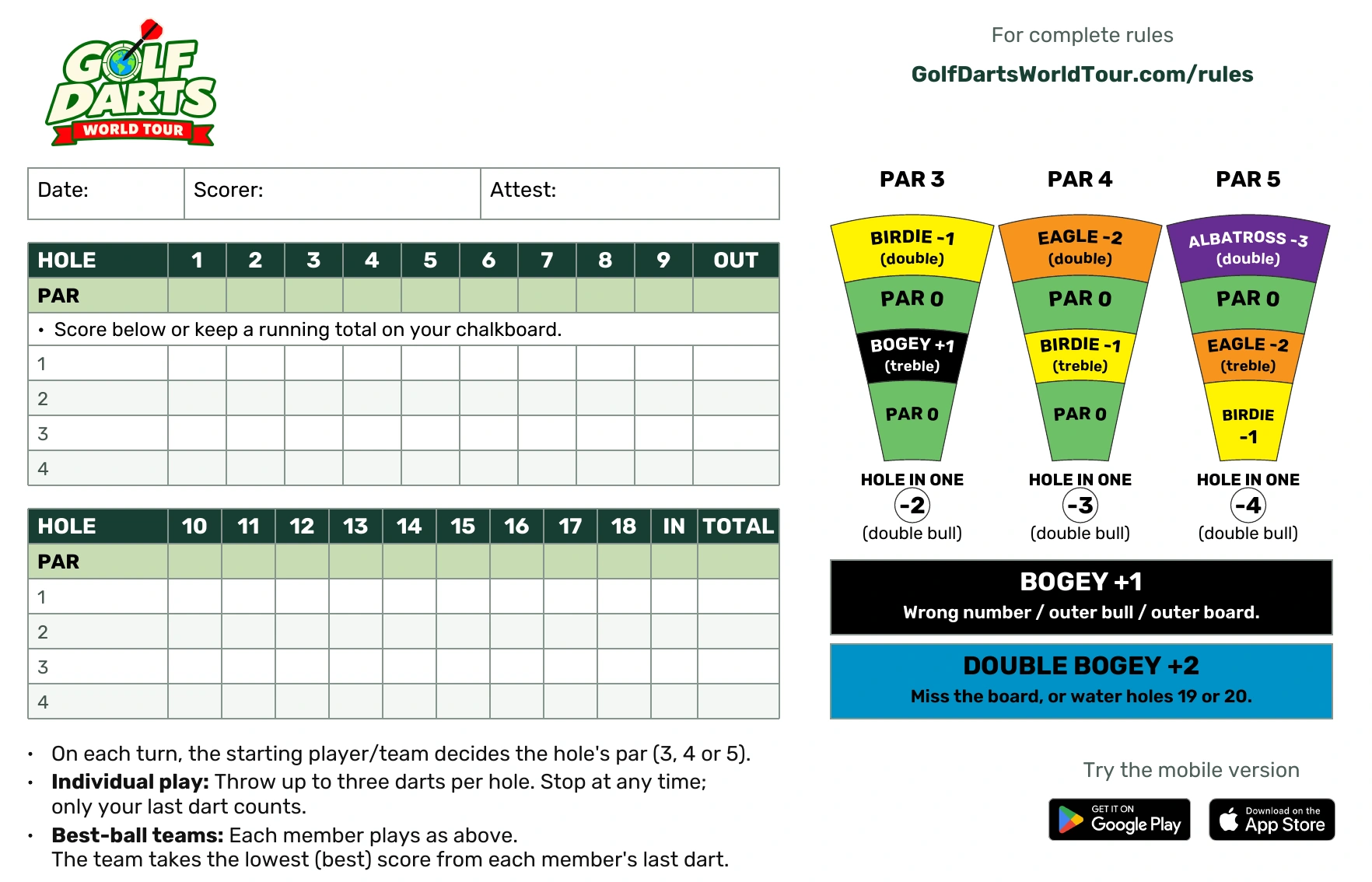
Ready to print free Golf Darts scorecards
Choose from 17 free Golf Darts scorecards. Each PDF prints two scorecards on one 8.5 × 11-inch Letter sheet. Select portrait and 100% / Actual size, then cut along the dotted line.
Printing questions
What paper size and printer settings should I use?
Use US Letter paper (8.5 × 11 inches), portrait orientation and 100% / Actual size.
How many scorecards fit on a page?
Two. Print one PDF page, then cut along the dotted line to separate the cards.
Do I need a colour printer?
The scorecards look better in color, but you don’t necessarily need a color printer. The scoring wedges have written labels, so the cards are also usable in black and white.
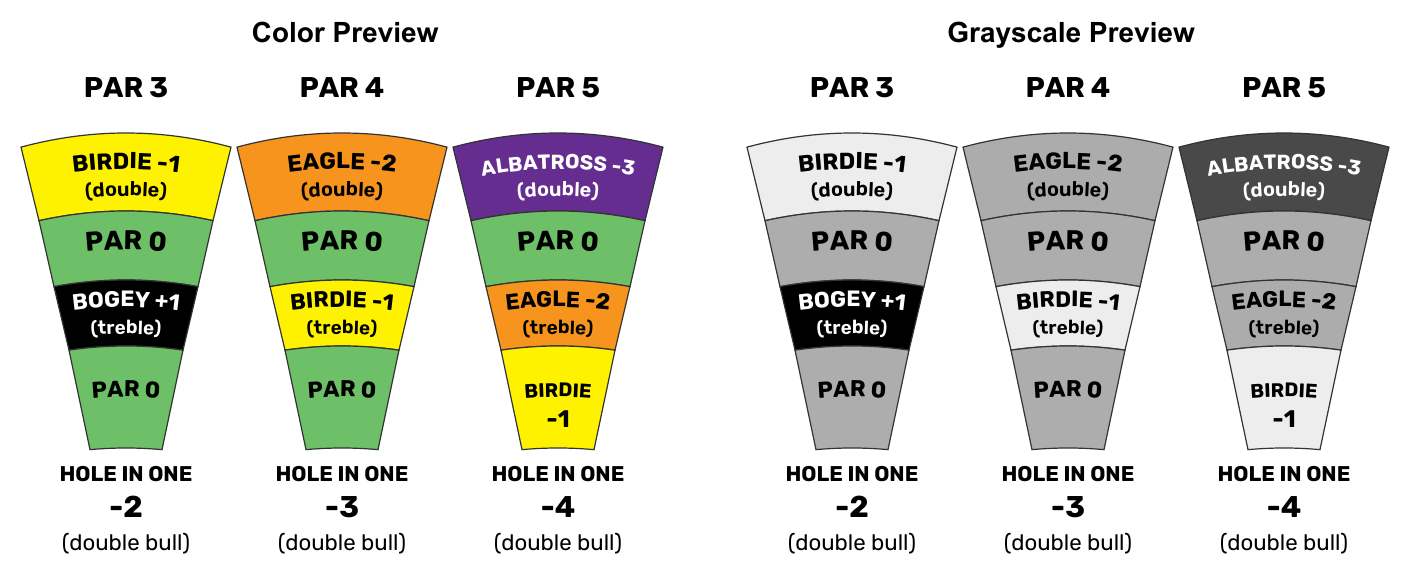
Printer settings and paper can still affect the final print appearance.
Do I need any type of printer?
Printers are handy but not essential. You can skip printing: view the PDF scorecard on your phone and keep a running total on your dartboard’s chalkboard.
Don’t have a printer?
If you’d like a printer for home use, here’s our recommendation.
As an Amazon Associate, Geomorpho Studios earns from qualifying purchases — at no extra cost to you.

