A look inside Dinner123

See how planning, recipes, grocery lists, and partner sync come together in the app.
Get it on Google PlayFREE UPGRADERemove AdsAlready installed? You’re included.Android · While promo codes remainiOS coming soon — iPhone & iPad
Plan • List • Recipes
Dinner123 for Android and iOS: available on Google Play, iOS coming soon

Plan your dinners

Start a meal plan, choose recipes, and see your dinners for the week.
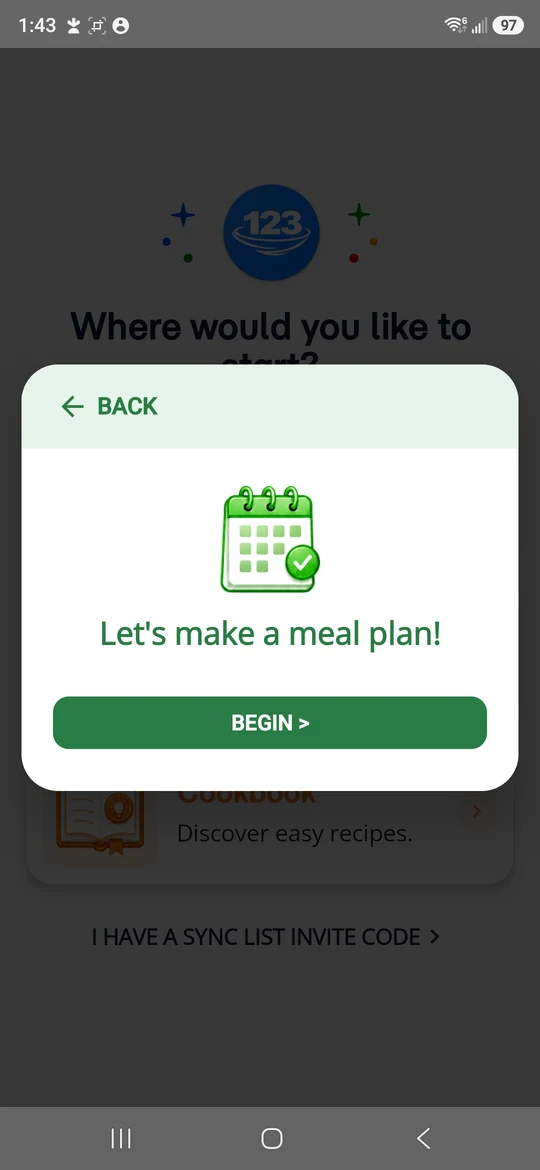
Dinner123 welcome dialog for starting a meal plan
Start a meal plan
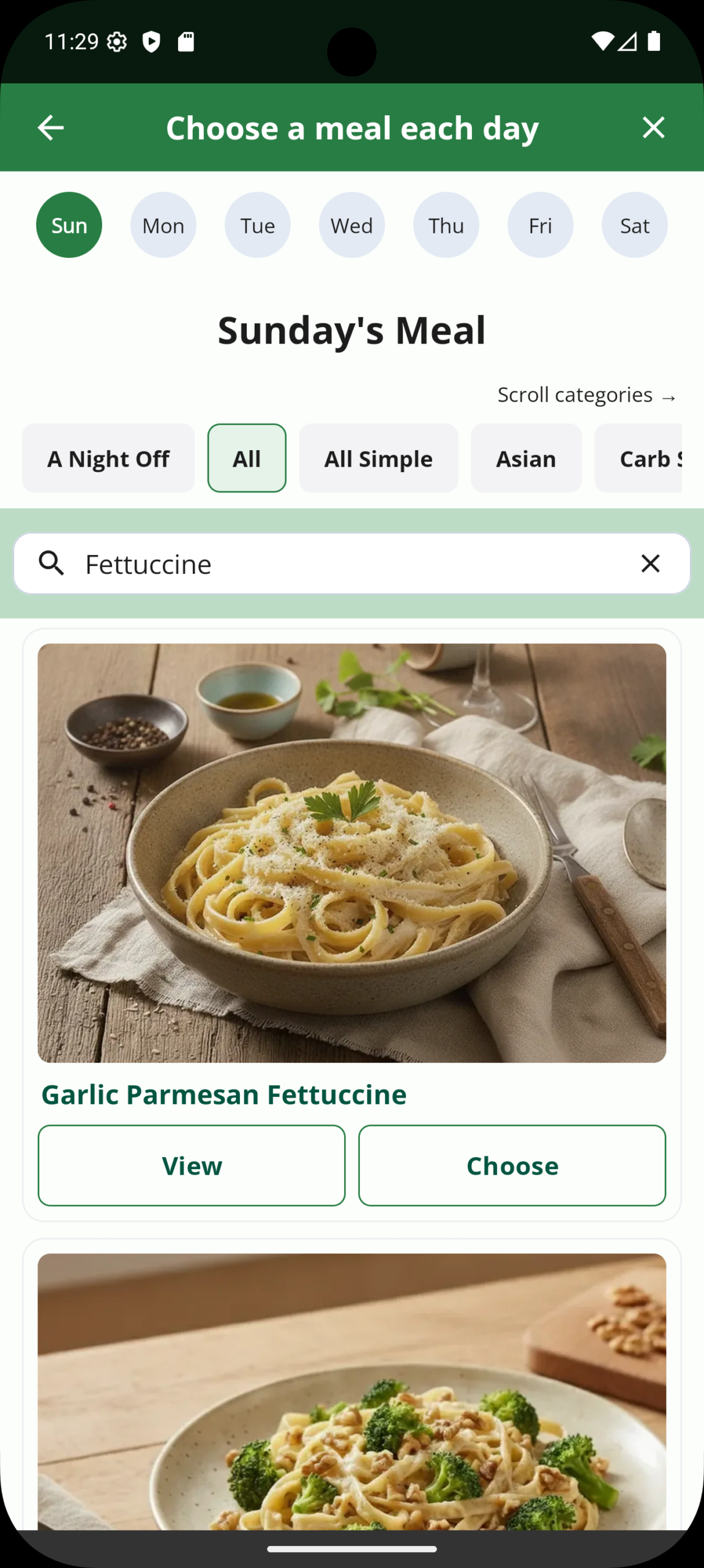
Dinner123 current meal chooser showing Garlic Parmesan Fettuccine, day tabs, recipe categories, and View and Choose buttons
Choose your meals
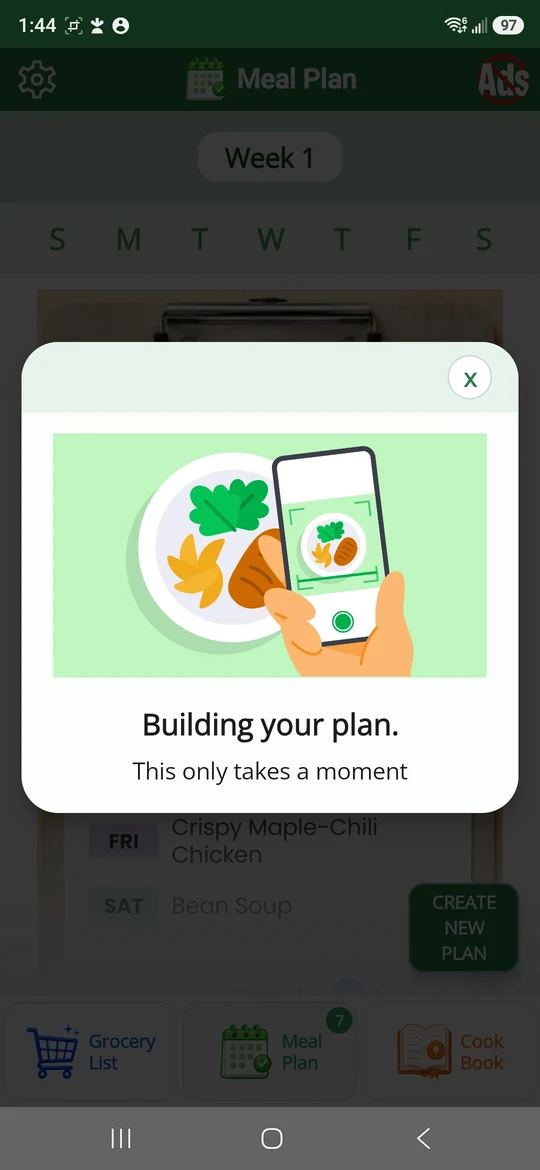
Dinner123 building a meal plan from the selected recipes
Build your plan
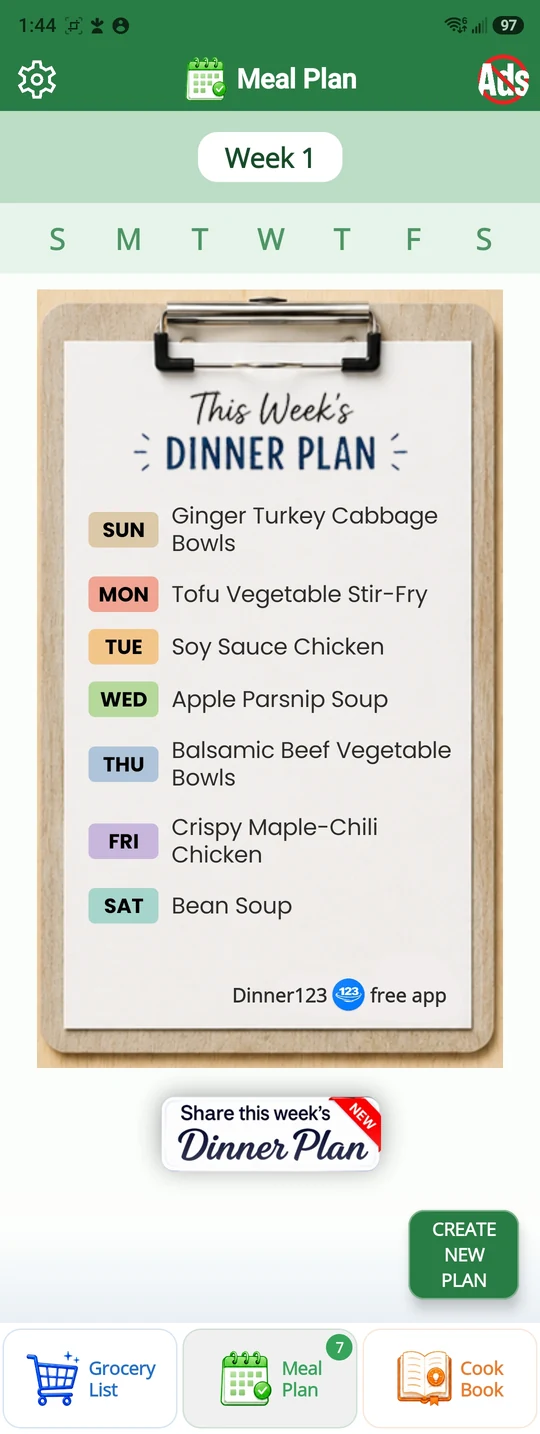
Dinner123 weekly dinner plan with a meal for each day and a share option
Your weekly dinner plan

Discover and save recipes

Browse the cookbook, explore recipe details, or import your own recipes.
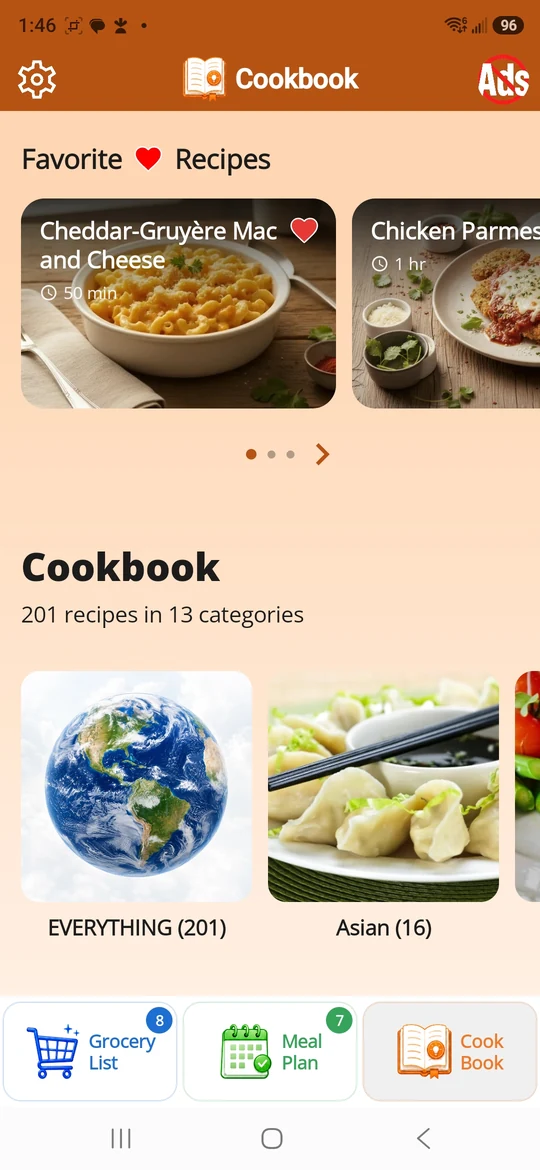
Dinner123 cookbook with favorite recipes and recipe categories
Browse the cookbook
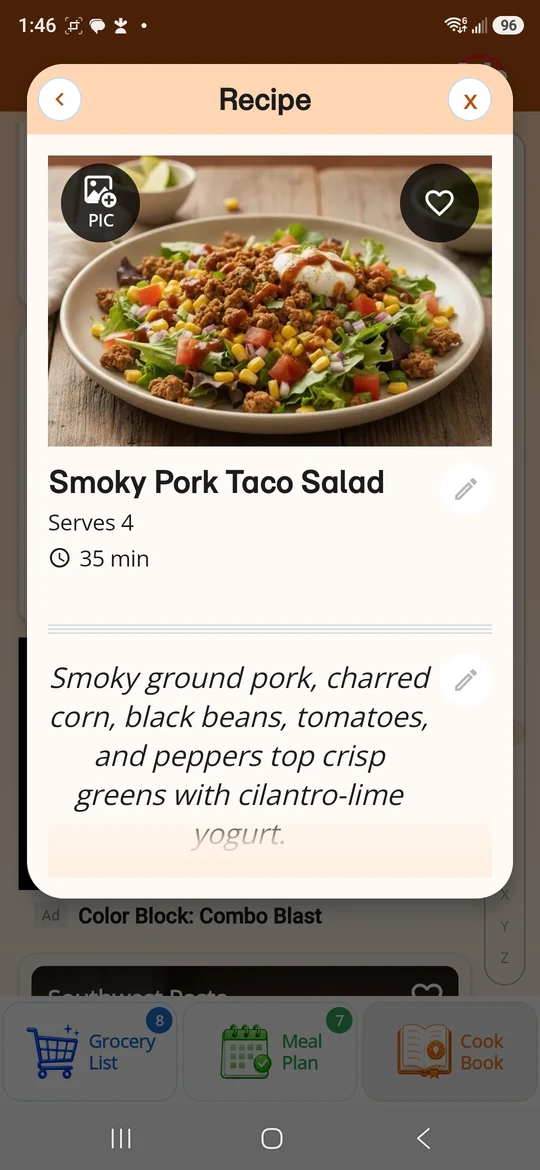
Dinner123 Smoky Pork Taco Salad recipe with servings and cooking time
Explore a recipe
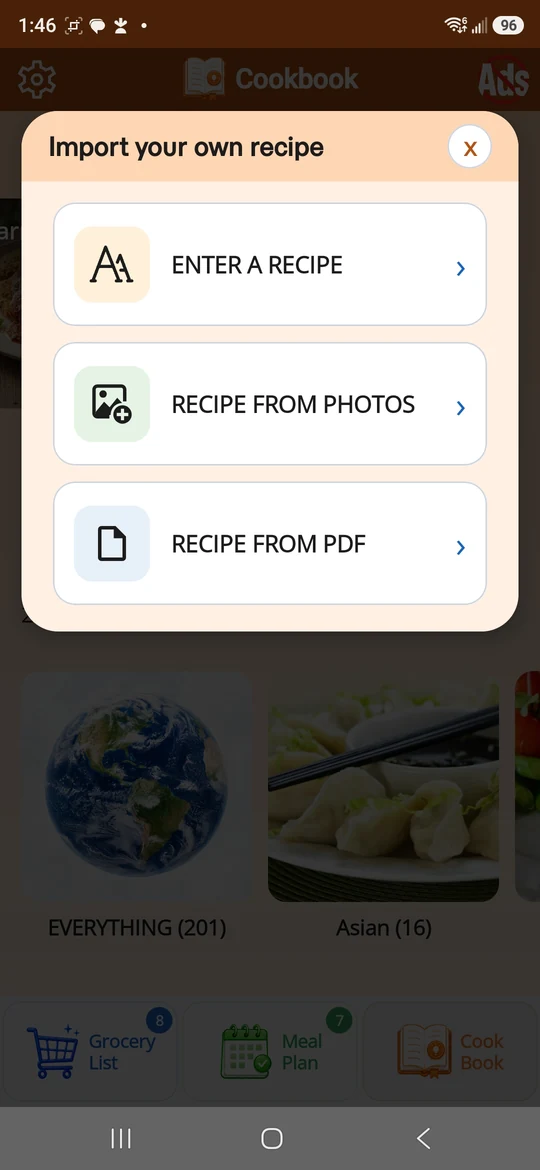
Dinner123 recipe import options for typed recipes, photos, and PDF files
Import your own recipes

Build and use your grocery list

Browse grocery categories, cross off items as you shop, and zoom in for easier reading.
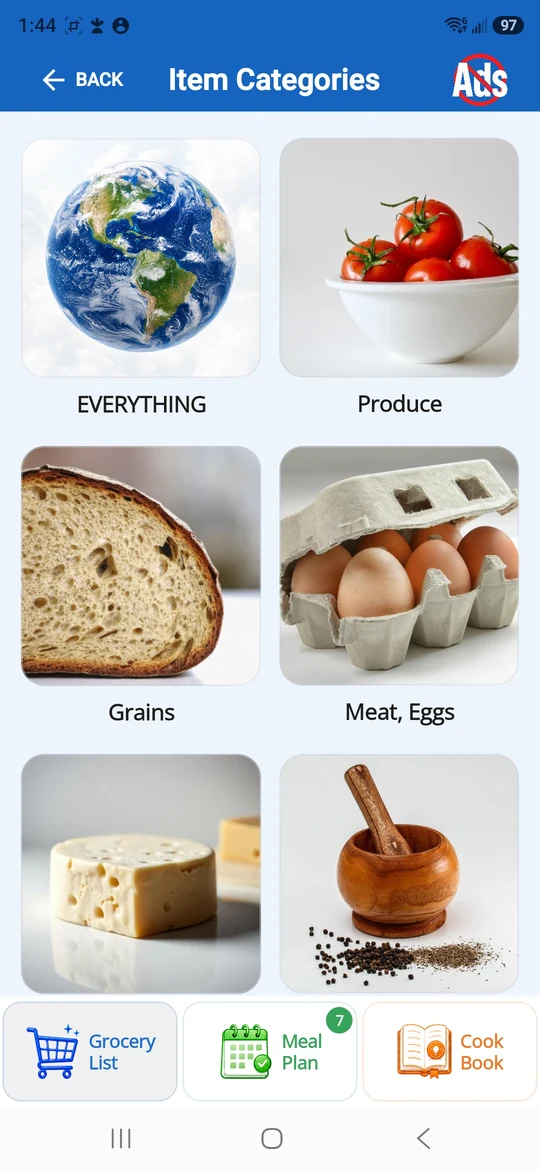
Dinner123 grocery item categories including produce, grains, meat, and eggs
Find items by category
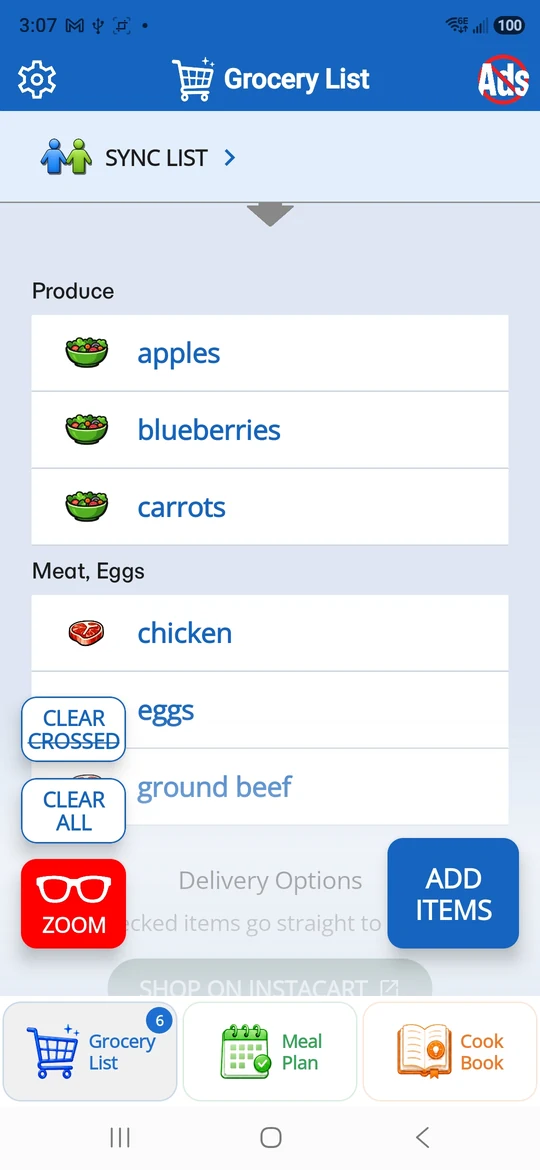
Dinner123 grocery list grouped by category with crossed-off items and clear controls
Shop with your grocery list
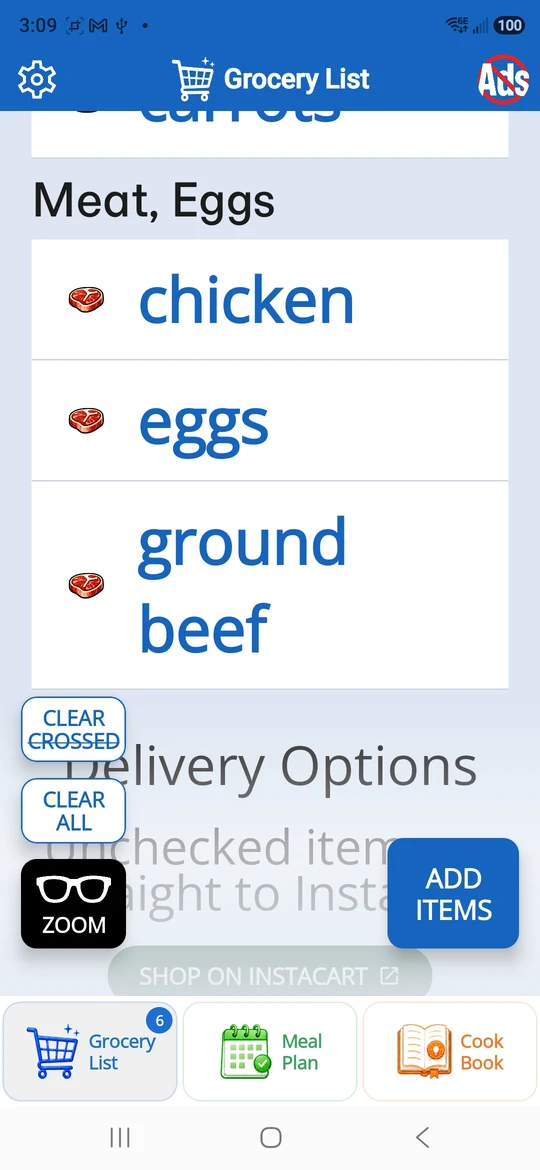
Dinner123 enlarged grocery list showing chicken, eggs, and ground beef
Zoom in for easier reading
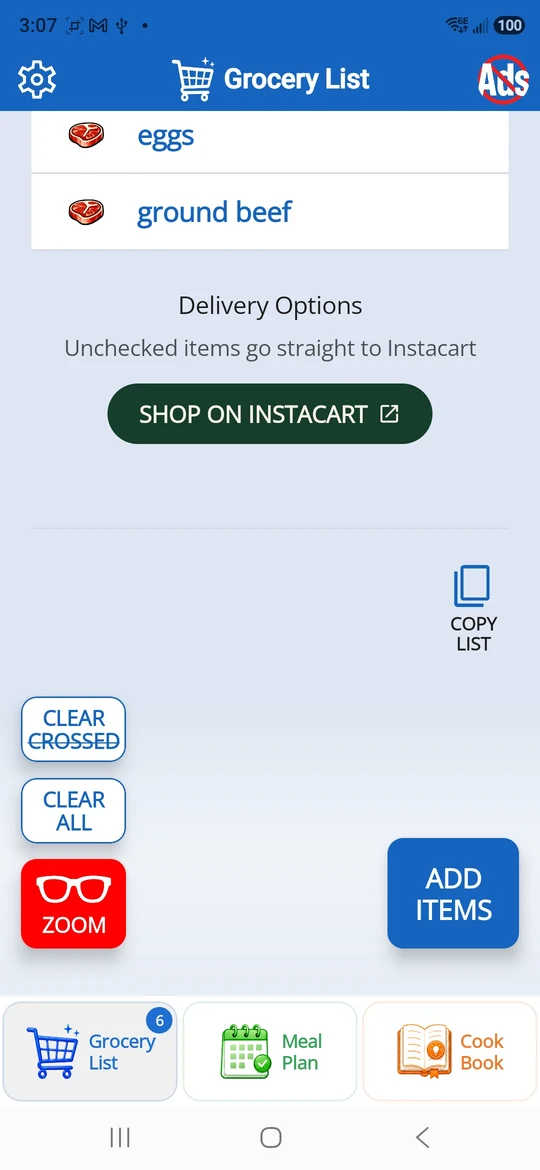
Dinner123 grocery delivery options with Shop on Instacart and Copy List controls

Shop your way

Check off items in the store, copy your grocery list, or send unchecked items to Instacart for delivery.