
Quick questions
What is a Golf Darts World Tour course?
A course is simply an arrangement of eighteen Par-3, Par-4, and Par-5 “holes” on a standard dartboard. Courses are used to play a version of golf darts called World Tour. They are based on iconic golf destinations around the world. Compare World Tour with other types of golf darts.
A great place to start
Most popular courses


Olde Scottish
Hole by hole layout of St Andrews Old Course.
Four steady Par-4s lead to a Par-5 fifth. The eighth and eleventh ask for precision at Par-3.


Georgian Sunset
Hole by hole layout of Augusta National.
Take on the Par-4, Par-3, Par-5 sequence at 11, 12 and 13, then a late Par-5 opportunity at 15.


Maritime Trail
Hole by hole layout of Cabot Cliffs.
Back-to-back Par-5s at seven and eight offer scoring chances. Six Par-3s keep your aim honest.
Find your next favourite
Courses by region
North & West Europe





















South & Central Europe














North & South America














Asia














Middle East









Africa & Oceania












Caribbean















For a standard dartboard
Blank course
A new course every time.
Make up a new round as you play on a standard dartboard. The player or team throwing first on the current hole chooses whether it will be a Par-3, Par-4 or Par-5.
Write the chosen par on the blank Course Guide, then play the hole.
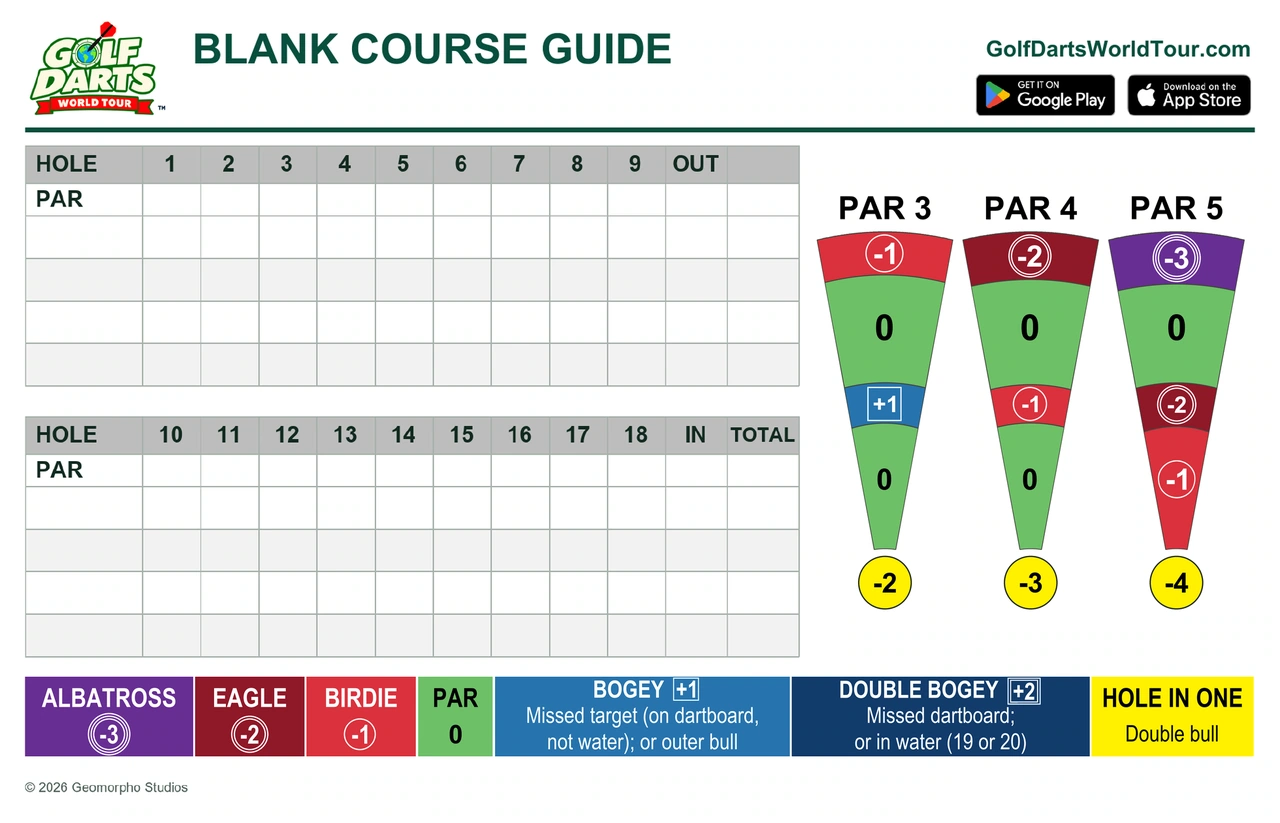
Ready to print free Golf Darts Course Guides
Choose from 73 free Golf Darts Course Guides. Each PDF prints two Course Guides on one 8.5 × 11-inch Letter sheet. Select portrait and 100% / Actual size, then cut the sheet horizontally in half.
Printing questions
What paper size and printer settings should I use?
Use US Letter paper (8.5 × 11 inches), portrait orientation and 100% / Actual size.
Do I need a colour printer?
The Course Guides look better in colour, but you don’t necessarily need a colour printer. The scoring wedges have written labels, so the guides are also usable in black and white.
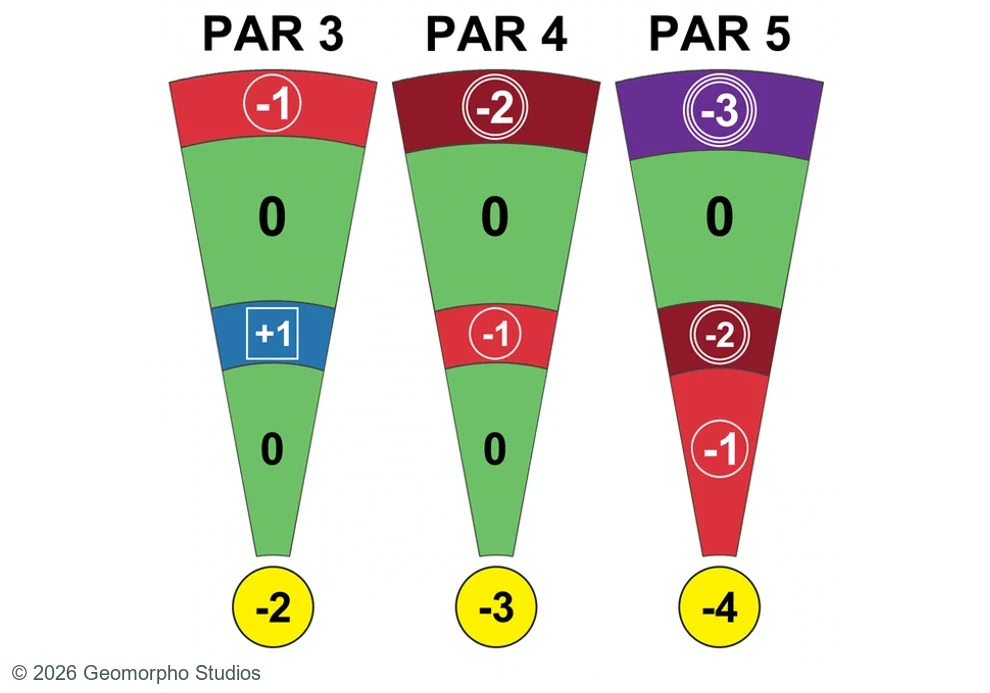
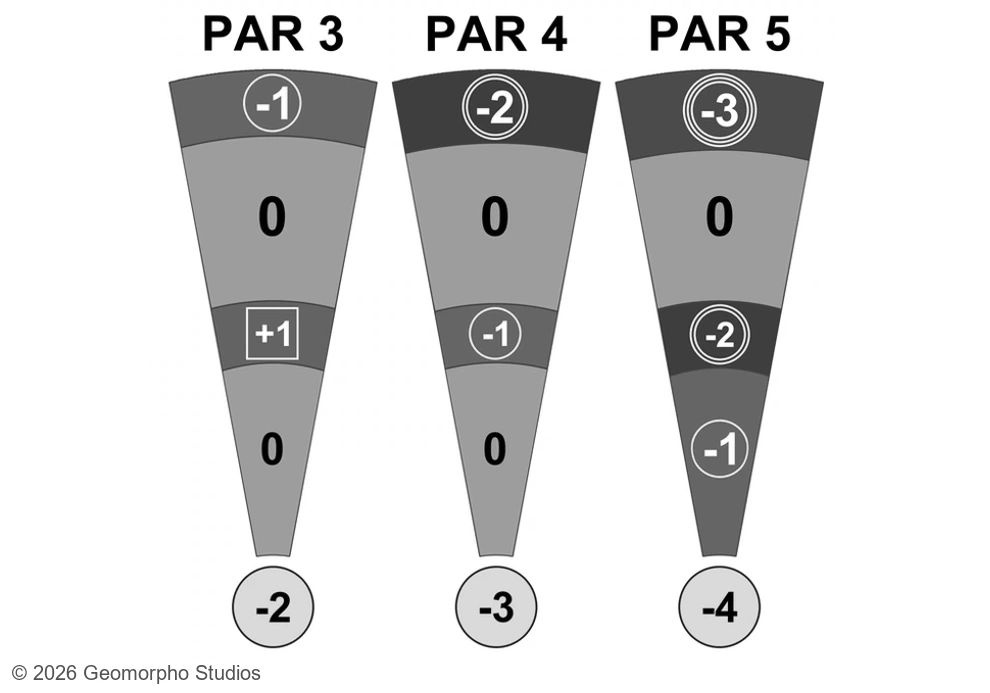
Greyscale is a screen preview. Printer settings and paper can still affect the final print appearance.
Do I absolutely need a printer?
Printers are handy but not essential. You can skip printing: view the PDF Course Guide on your phone and keep a running total on your dartboard’s chalkboard.
Don’t have a printer?
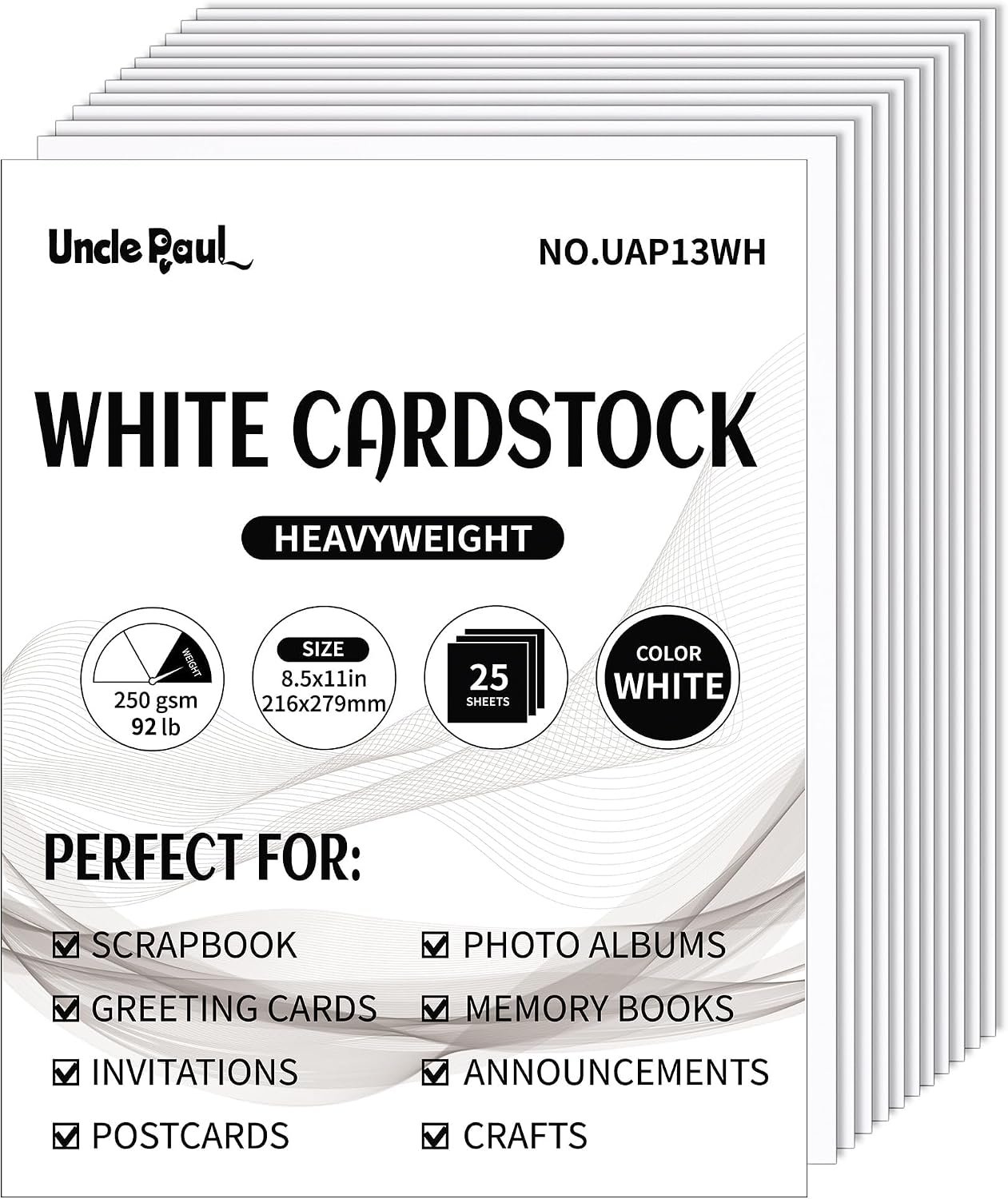
For sturdier Course Guides. Check your printer’s supported paper weight before buying.

Choose your Amazon store
Choose your Amazon store